ScrapeGoat
Live price comparison across four retailers that actively block scrapers
- 4
- fallback extraction stages
- 4
- retailers supported
- 90s
- slowest scrape, run as a background job
recorded run, not a live scrape
What it does
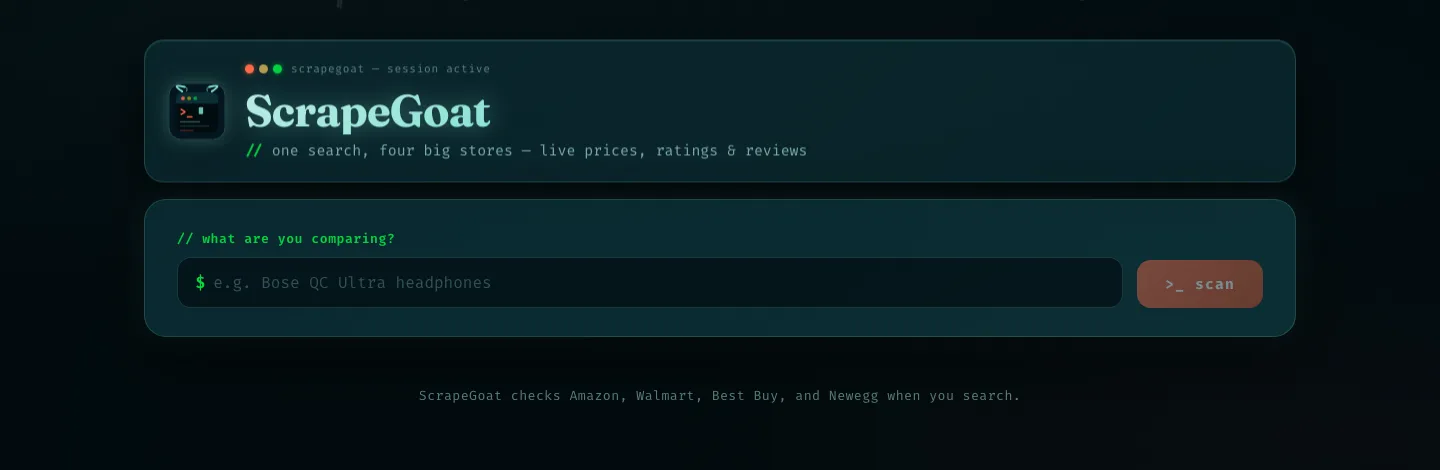
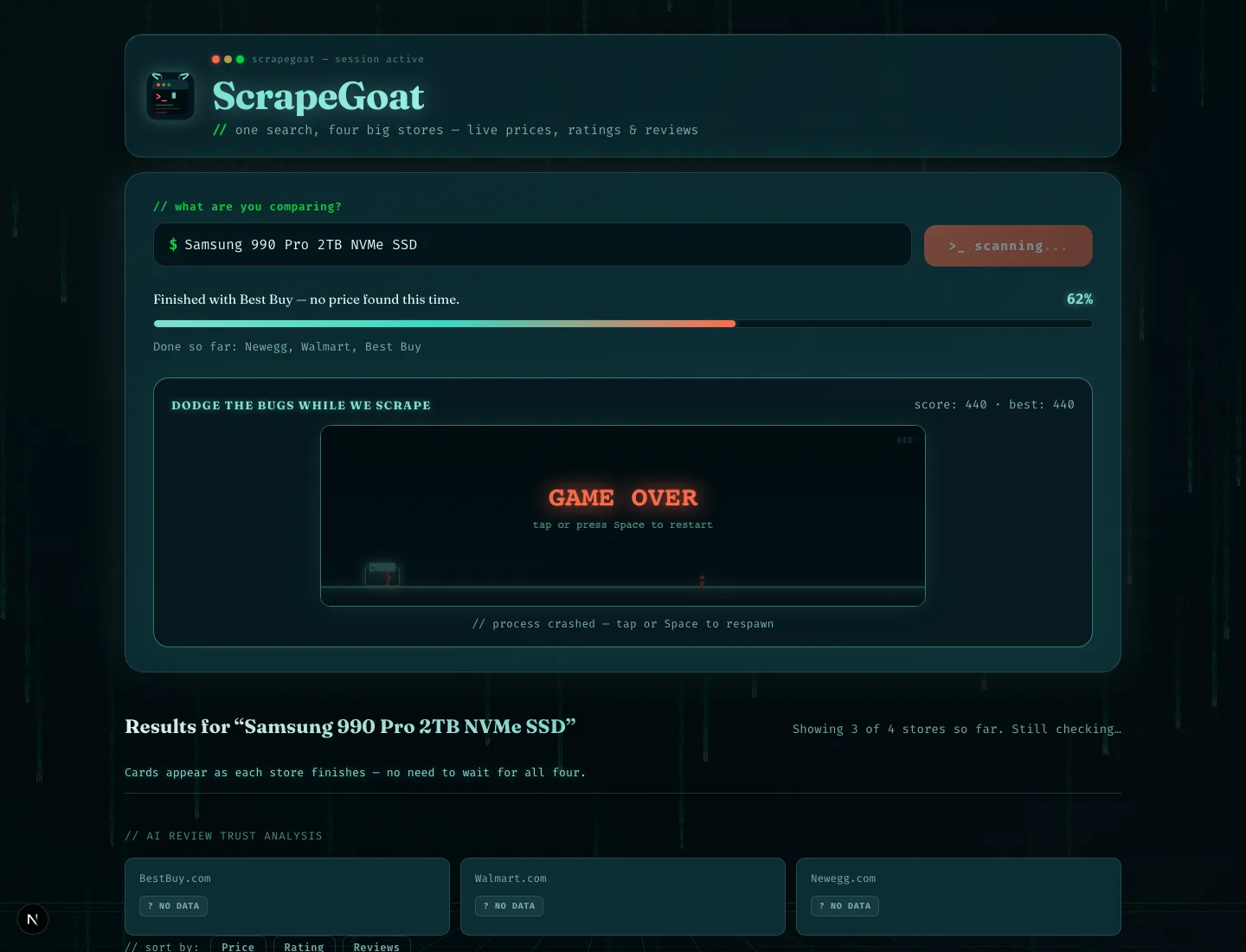
Type a product name and ScrapeGoat searches Amazon, Best Buy, Walmart and Newegg at the same time, then shows the price, rating and review count from each one side by side. Everything is fetched live at the moment you ask, not read out of a cached database. Every result also carries the method that produced it and a trust score, so a solid number is distinguishable from a shaky one.
How it works
Submit a job, do not block
A full run takes 30 to 90 seconds, longer than a browser will hold a request open. The FastAPI layer creates a job, returns an ID straight away, and the frontend polls it.
Fan out across retailers
The orchestrator runs all four sites in parallel threads rather than in sequence, so total time is the slowest site instead of the sum of all four.
Extract with a four-stage fallback
Per site, strategies fire cheapest first and each only runs if the previous returned nothing: httpx + BeautifulSoup, then Playwright, then LLM text extraction, then Firecrawl.
Match the right product
rapidfuzz shortlists candidates by title similarity, then a second LLM pass checks the candidate really is the same product and rejects cases, cables and bundles.
Score every result
Each price records which stage produced it plus a trust score, so a wrong number can be traced to a stage from the payload instead of from logs.
Stream progress back
The Next.js UI polls the job and renders a live timeline of what each site is doing, so a 60 second wait reads as working rather than broken.
The shape of it
Search query
CLI or web UI
- in parallel:
Amazon
Best Buy
Walmart
Newegg
- per site, cheapest first:
httpx + BeautifulSoup
static HTML
- if empty:
Playwright
real browser
- if empty:
LLM extraction
from visible text
- if empty:
Firecrawl
managed API
- then:
rapidfuzz
shortlist by title
LLM verify
reject wrong product
Price + method + trust score
Tech choices
The decisions that shaped it, and why they went that way.
- Playwright, because HTTP is not enough
- Plenty of retail pages return 200 with no price in the HTML, because the price is injected by JavaScript a moment later. A real browser sees what a user sees.
- The LLM is a fallback, not the default
- Model calls are the slowest and most expensive stage, so they only fire when parsing has already failed. Most requests never reach them.
- Anti-bot handling
- Rotating browser profiles, simulated mouse movement and scroll with human timing, and page-settle heuristics that wait for the DOM to stop changing instead of for a fixed timeout. Scrapling covers fetcher-level fingerprinting.
- Fuzzy matching alone was not safe
- Title similarity confidently returned the wrong product often enough that it could not ship on its own, which is why the verification pass exists.
Built with
- Backend
- PythonFastAPIPlaywrightScraplinghttpxBeautifulSouppydantic
- Frontend
- Next.jsTypeScriptReact
- Services
- OpenAI APIFirecrawl
- Matching
- rapidfuzzLLM verification pass
What it produces
How the repo is laid out
Roughly the order you'd read it in: entry point first, then the parts doing the work.
main.pyCLI entry: takes a query, prints the comparisonorchestrator.pyRuns all four retailers in parallelsite_runner.pyPer site: search, pick best match, extractsites/One HTML adapter per retailerextraction/The four-stage fallback and trust scoringmatching/Fuzzy title scoring; rejects bundles and accessoriesapi/FastAPI job server with live progress pollingweb/Next.js UI: results, timeline, trust badges
Where it falls short
No automated test suite. The parts most worth testing are the ones that talk to live websites, and I had not found a mocking strategy I trusted. Running it end to end needs OpenAI and Firecrawl API keys.